Query Engineering in RAG: Routing, Rewriting, and Multi-Query Retrieval
 By Bishwambhar Sen
When users interact with AI assistants, their inputs are rarely optimized for search. A query like: "Hey, can you look up my order status for yesterday, and also tell me how I can return it?" contains two completely different tasks. One requires retrieving structured data from a transactional database; the other requires searching unstructured text documents for a return policy.
In a naive RAG pipeline, this query is directly converted into an embedding and sent to a vector database, resulting in a compromised retrieval step that fails to resolve either request adequately.
Query Engineering is the practice of intercepting, analyzing, and transforming user queries before executing any retrieval. By treating the input query as an object to be processed, we can route it to the correct database, rewrite it for clarity, or decompose it into sub-queries. This article explores these core architectural patterns.
1. Query Routing: Directing Traffic
A query router analyzes the user's input and determines which data source or tool is best suited to answer it. This prevents the pipeline from querying unstructured documents for questions that require real-time SQL execution or general creative conversation.
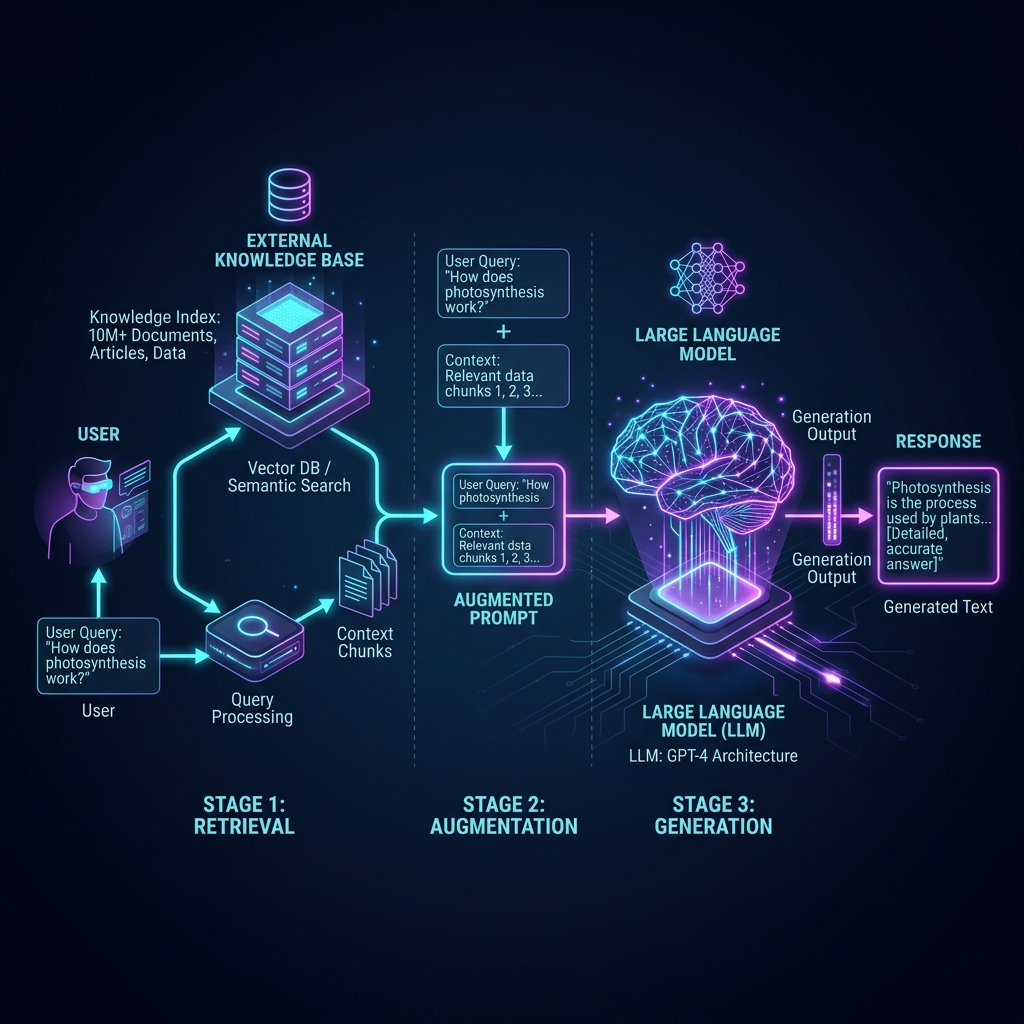 Query Engineering in RAG: Query engineering diagram showing classification routing, rewrite loops, and sub-query decomposition
Types of Routers:
- Semantic Routers: A fast embedding model checks the similarity of the user's query against pre-defined prompt examples for each route.
- LLM Classification Routers: A small, fast LLM processes the query with a system instruction to output a structured JSON containing the selected route.
2. Query Rewriting: The Rewrite-Retrieve-Read Loop
Users often phrase queries colloquially, referencing pronouns or context that isn't present in the document corpus. For example, in a multi-turn chat:
- User Turn 1: "Tell me about the Postgres scaling options."
- User Turn 2: "How do I monitor it?"
If we embed "How do I monitor it?", the vector database will not know "it" refers to Postgres.
Query Rewriting uses a conversational history context to rewrite the query into a standalone search term: "How do I monitor performance and storage metrics on a PostgreSQL database?"
The system executes the Rewrite-Retrieve-Read pipeline:
- Rewrite: The query and conversation history are sent to a lightweight LLM which generates a standalone search query.
- Retrieve: The rewritten query is sent to the search engine.
- Read: The retrieved documents and rewritten query are sent to the generator LLM to create the final response.
3. Python Implementation: Building a Query Router
Below is a complete Python implementation demonstrating how to build a dynamic Query Router. It evaluates query intent and routes the query to either an SQL Database agent, a Vector Search index, or a direct LLM generation route.
import re
from typing import Dict, Any

class QueryRouter:
    def __init__(self):
        # We define route intents using regex patterns as a fast classification step.
        # In production, this can be combined with a semantic classifier or an LLM call.
        self.routes = {
            "sql_route": re.compile(
                r"\b(order|status|invoice|account|payment|balance|transaction)\b",
                re.IGNORECASE
            ),
            "vector_route": re.compile(
                r"\b(how to|policy|guide|manual|documentation|support|process|steps)\b",
                re.IGNORECASE
            )
        }

    def route_query(self, query: str) -> Dict[str, Any]:
        """
        Classifies incoming query and determines the target execution engine.
        """
        # Rule 1: Check regex matching for transactional terms (SQL Route)
        if self.routes["sql_route"].search(query):
            return {
                "route": "SQL_DATABASE",
                "action": self._execute_sql_search,
                "confidence": 0.90
            }

        # Rule 2: Check matching for informational/instructional terms (Vector Route)
        elif self.routes["vector_route"].search(query):
            return {
                "route": "VECTOR_SEARCH",
                "action": self._execute_vector_search,
                "confidence": 0.85
            }

        # Default: General conversational route
        return {
            "route": "GENERAL_LLM",
            "action": self._execute_general_chat,
            "confidence": 1.00
        }

    # Mock execution targets
    def _execute_sql_search(self, query: str) -> str:
        # Mock database lookup
        print("[Router] Executing SQL Query on database 'orders_db'...")
        return "SELECT order_id, status FROM orders WHERE user_id = 452 ORDER BY date DESC LIMIT 1;"

    def _execute_vector_search(self, query: str) -> str:
        # Mock vector DB query
        print("[Router] Querying Vector Database for documentation chunks...")
        return "VectorDB: Retrieved chunk 'Section 4.2: To return an item, generate a shipping label from the portal.'"

    def _execute_general_chat(self, query: str) -> str:
        print("[Router] Routing query directly to LLM without external lookup...")
        return "LLM Direct: Thank you for your message! How can I help you today?"

# Demonstration
if __name__ == "__main__":
    router = QueryRouter()

    test_queries = [
        "Where is my invoice for yesterday's transaction?",
        "How do I initiate a return policy shipment?",
        "Hello! I hope you are having a wonderful day."
    ]

    for idx, q in enumerate(test_queries, 1):
        print(f"\n--- Test Query {idx} ---")
        print(f"User input: '{q}'")

        routing_decision = router.route_query(q)
        print(f"Decision: Route to {routing_decision['route']} (Confidence: {routing_decision['confidence']:.2f})")

        # Execute the routed action
        result = routing_decision["action"](q)
        print(f"Execution Output: {result}")
4. Multi-Query Decomposition
For complex queries that require multiple processing steps, we can implement Decomposition.
Suppose the user asks: "Compare our database hosting costs between AWS RDS and GCP Cloud SQL." A single vector search is unlikely to find a document comparison chart. The decomposition step will output:
- "What are the pricing details and storage costs for AWS RDS?"
- "What are the pricing details and storage costs for GCP Cloud SQL?"
These sub-queries are executed sequentially or in parallel. The results are then synthesized:
\text{Synthesized Context} = \text{Search}(Q_1) \cup \text{Search}(Q_2)
This is fed back into the LLM context, which performs the final comparative analysis.
Where This Goes Wrong
The trap with query engineering is that each layer you add is another place the pipeline can fail silently. A misrouted query does not throw an error — it returns confident nonsense from the wrong data source, and your logs show a successful retrieval. In practice the routing step is where most of the damage happens: the regex-and-classifier approach shown above breaks on queries that legitimately belong to two routes ("what's my invoice balance and how do I dispute it?"), and an LLM classifier will happily invent a route name that doesn't exist unless you constrain it to an enum and fail closed on anything unrecognised.
There is also a cost floor worth being honest about. Rewriting adds one LLM call, decomposition adds one plus k retrievals, and both sit on the critical path before the user sees a single token. On a chatbot where most turns are simple lookups, that overhead applies to 100% of traffic to fix maybe 15% of it. A reasonable default is to run the cheap router on everything, but gate rewriting behind a condition — only rewrite when conversation history is non-empty, only decompose when the query contains a coordinating conjunction or comparison marker. Log the pre- and post-transformation query pair for every request; when retrieval quality regresses, that log is the only way to tell whether the retriever failed or the rewriter quietly changed what the user asked.
Go deeper in the course
- Advanced RAG PatternsLesson 4: Query Transformation & HyDERewrite ambiguous user queries before retrieval using step-back prompting and Hypothetical Document Embeddings (HyDE) — closing the gap between what users ask and what documents say.
- Advanced RAG PatternsLesson 5: Multi-Query & Step-Back RetrievalGenerate multiple query variations from a single user question and merge the retrieved sets. Use step-back questions to retrieve broader context for narrow queries.